EXPLORE BEFORE YOU SUBSCRIBESee your next teaching workspace.
Walk through each product and try a sample teaching material.
RTE Teaching Assistant
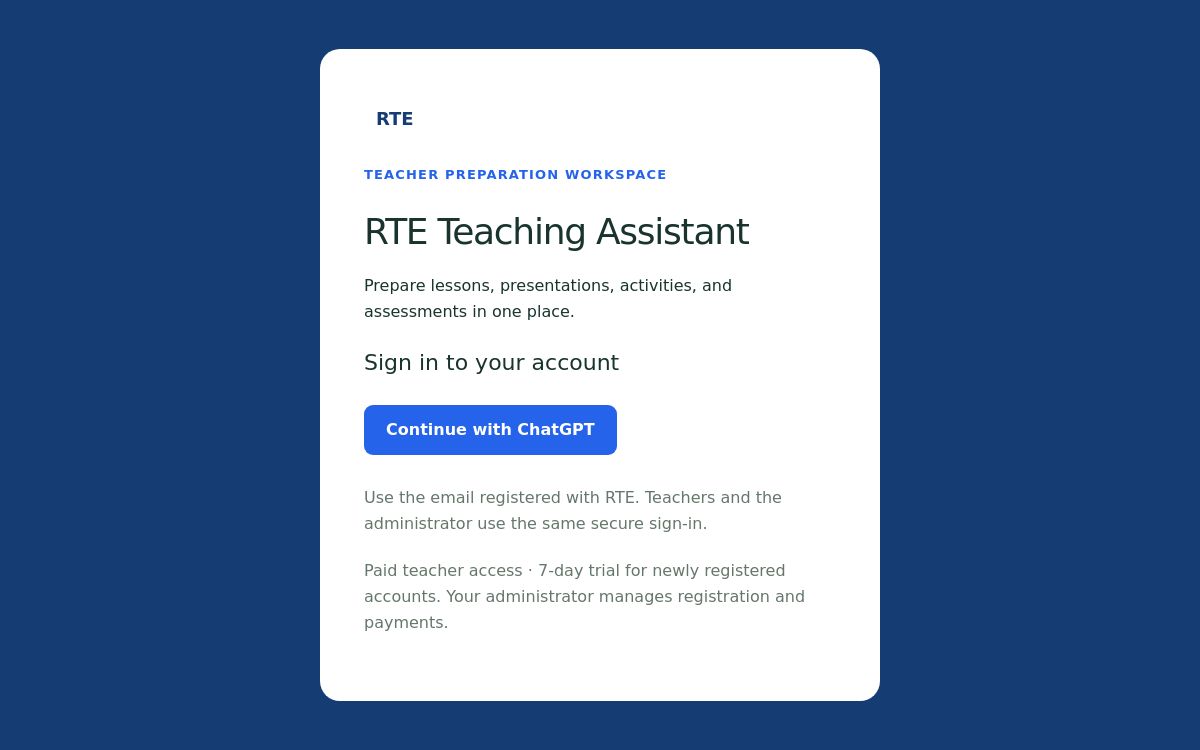
Prepare a teaching material
- Open RTE Teaching Assistant and sign in.
- Choose the teaching tool and select your grade and subject.
- Enter the competency and lesson details.
- Follow the generator’s instructions, review the output, and save it to the appropriate bank.
Open hubRTE Teaching Hub
Organize your teaching workspace
- Open RTE Teaching Hub and sign in.
- Review your profile and subscription.
- Use the Teaching Tools and resource banks for preparation.
- Open your saved material and review it before using it in class.
Open hubRTE Integrated School System
Connect your classroom resources
- Open RTE Integrated School System and sign in.
- Review your teacher workspace and active subjects.
- Organize lessons, activities, and assessments for your learners.
- Use the hub’s Help and Tutorials for the features available to your account.
Open hubFree classroom resources
Read complete activities and answer keys, or explore the business math lab before choosing a subscription.
Browse free resourcesA sample you can use
Financial management: a short teaching outline, student activity, and formative questions. This is a sample material for review, rather than a claim that every generated lesson is identical.